
Every property and Starlink project is different. This guide explains the practical factors considered during professional installation and helps you prepare informed questions before work begins.
Dish placement and router placement solve different problems
The dish needs a clear outdoor sky view, but the router needs a strong indoor position. Treating these as one location decision often leaves the router at an outside wall where coverage is weakest at the far end of the home.
The exterior cable often enters through the wall nearest the dish, but leaving the router at that point can place it in a basement corner, garage, or end bedroom. Planning the interior portion of the route can move the router closer to the center of activity without compromising the dish location.
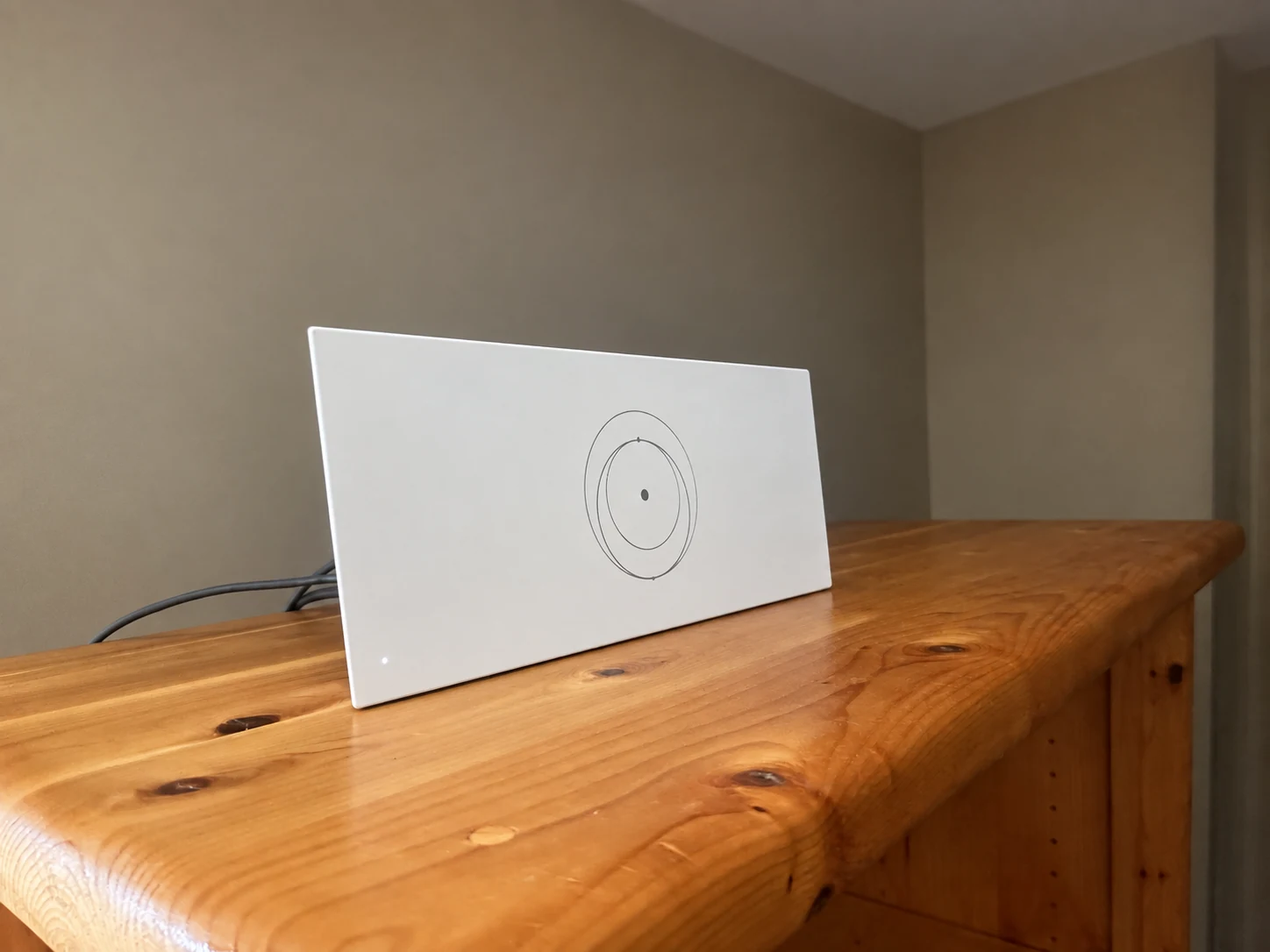
The router sits on a cabinet in the living space. Use room-by-room testing to decide whether this location provides the coverage your household needs.
Installation and photo: Mann's Starlink Contracting · Retouched for presentation · View original field photo ↗How Wi-Fi moves through a home
Consider the home's center, floor level, wall materials, metal appliances, utility rooms, cabinets, televisions, aquariums, power outlets, work areas, bedrooms, and the route available from the dish cable entry.
Wi-Fi weakens with distance and each material it crosses. Drywall is usually modest; brick, stone, concrete, foil-faced insulation, mirrors, ductwork, appliances, and metal siding can be severe. Floors create diagonal travel through multiple layers, so a centrally placed router on the main level often serves a two-story home better than one on the basement floor.
Need help with this on your Starlink system?
Mann's Starlink Contracting provides owner-installed service throughout Kentucky and an 11-state region.
Better locations for the primary router
Place the router in the open, elevated when practical, and away from large metal objects or dense masonry. A slightly longer, well-planned cable route may produce better coverage than the easiest wall entry.
Use an open shelf or wall position with airflow and nearby power. Keep it several feet from large electronics and metal obstructions when possible. The visually hidden location is not always the best network location. A clean router mount can make an open position look intentional while protecting the cable from pets and furniture.
When mesh or wired access points are needed
Avoid enclosed cabinets, floors behind furniture, garages separated by insulated walls, and corners of large homes. Mesh equipment cannot fully correct a primary router hidden in a poor location.
Mesh nodes should sit where they still receive a strong connection from the primary router, not inside the room that is already disconnected. Wired backhaul is even more dependable when Ethernet can be installed. Very large homes, long ranch layouts, masonry construction, and detached buildings often need a designed multi-access-point system.
Testing coverage after installation
Decide where reliable Wi-Fi matters most and test coverage after setup. If the building is large or unusually dense, plan mesh or wired access points rather than expecting one router to reach every space.
Test near the router, then in bedrooms, offices, exterior cameras, and other important areas. Compare device-to-router performance with router-to-internet results in the Starlink app. If only one old device is slow, the network may be healthy; if an entire wing is weak, placement or additional coverage is the likely answer.
Get a personal installation estimate.
Send your location and project details. Caleb will discuss your equipment and mounting needs, then confirm your complete quote before scheduling.
Questions first? Call Caleb directly at 270-940-4866.
Written byCaleb MannOwner and installer at Mann's Starlink Contracting. Caleb works directly with customers from project planning through final system setup.
