
Every property and Starlink project is different. This guide explains the practical factors considered during professional installation and helps you prepare informed questions before work begins.
Starlink mesh and third-party mesh are different systems
Starlink mesh routers are designed to join compatible Starlink equipment through the Starlink app. A third-party mesh platform uses its own gateway, satellite nodes, app, and setup process. The Starlink router does not automatically recognize an unrelated router as another Starlink mesh node.
Instead, the third-party equipment creates a separate mesh system that receives internet service from Starlink. Once properly connected, that system—not the Starlink router—manages how its own mesh nodes communicate and how devices move between them.
A wired gateway connection is required
The primary third-party mesh unit must be hard-lined to the Starlink network by Ethernet. Depending on the Starlink generation, that connection may come from a built-in Ethernet port or a compatible Ethernet adapter. The remaining third-party mesh nodes can then use the manufacturer's supported wireless or wired backhaul method.
Simply placing a third-party mesh router near the Starlink router will not make it join the Starlink mesh wirelessly. The wired gateway connection is what supplies internet service to the third-party platform.
Two common setup methods
One method keeps the Starlink router active and connects the third-party mesh gateway behind it. The third-party system may be configured in access-point or bridge mode when supported. This can preserve the Starlink Wi-Fi network, but customers must understand which system is managing routing and device settings.
The second method places the Starlink router in bypass mode and allows the third-party mesh gateway to become the main router. This can provide cleaner network management and avoid double routing, but it disables the Starlink router's normal Wi-Fi and makes the third-party system essential to the network.
Need help with this on your Starlink system?
Mann's Starlink Contracting provides owner-installed service throughout Kentucky and an 11-state region.
Advantages of a third-party mesh system
Third-party platforms offer a wider range of price points, coverage ratings, hardware styles, and features. Depending on the model, customers may gain more Ethernet ports, advanced parental controls, guest and smart-device networks, traffic management, security subscriptions, faster Wi-Fi standards, wired backhaul, or easier integration with equipment they already own.
They can also provide more flexibility for unusual floor plans and larger properties. Customers are not limited to one equipment family, although every node within the selected third-party mesh should still be compatible with that platform.
Disadvantages and added complexity
The main disadvantage is setup complexity. Starlink equipment and the third-party mesh use separate apps, instructions, firmware, and support channels. Incorrect router modes can cause double NAT, competing Wi-Fi networks, difficult device discovery, or confusion about which system controls a setting.
Advanced features may require subscriptions, and advertised coverage does not guarantee performance through masonry, metal, dense floors, or long distances. Mixing unrelated mesh brands is also unlikely to create one coordinated system even when every device can broadcast Wi-Fi.
Placement still determines performance
Mesh nodes need a strong connection back to the gateway or another properly placed node. Putting a node directly inside a dead zone gives it little useful signal to repeat. Each unit should be positioned where it can maintain a dependable backhaul connection while moving coverage toward the rooms that need it.
For the most demanding areas, Ethernet backhaul can give compatible mesh nodes a more consistent connection. Cable access, power outlets, building materials, floor levels, and where customers actually use the network should all guide placement.
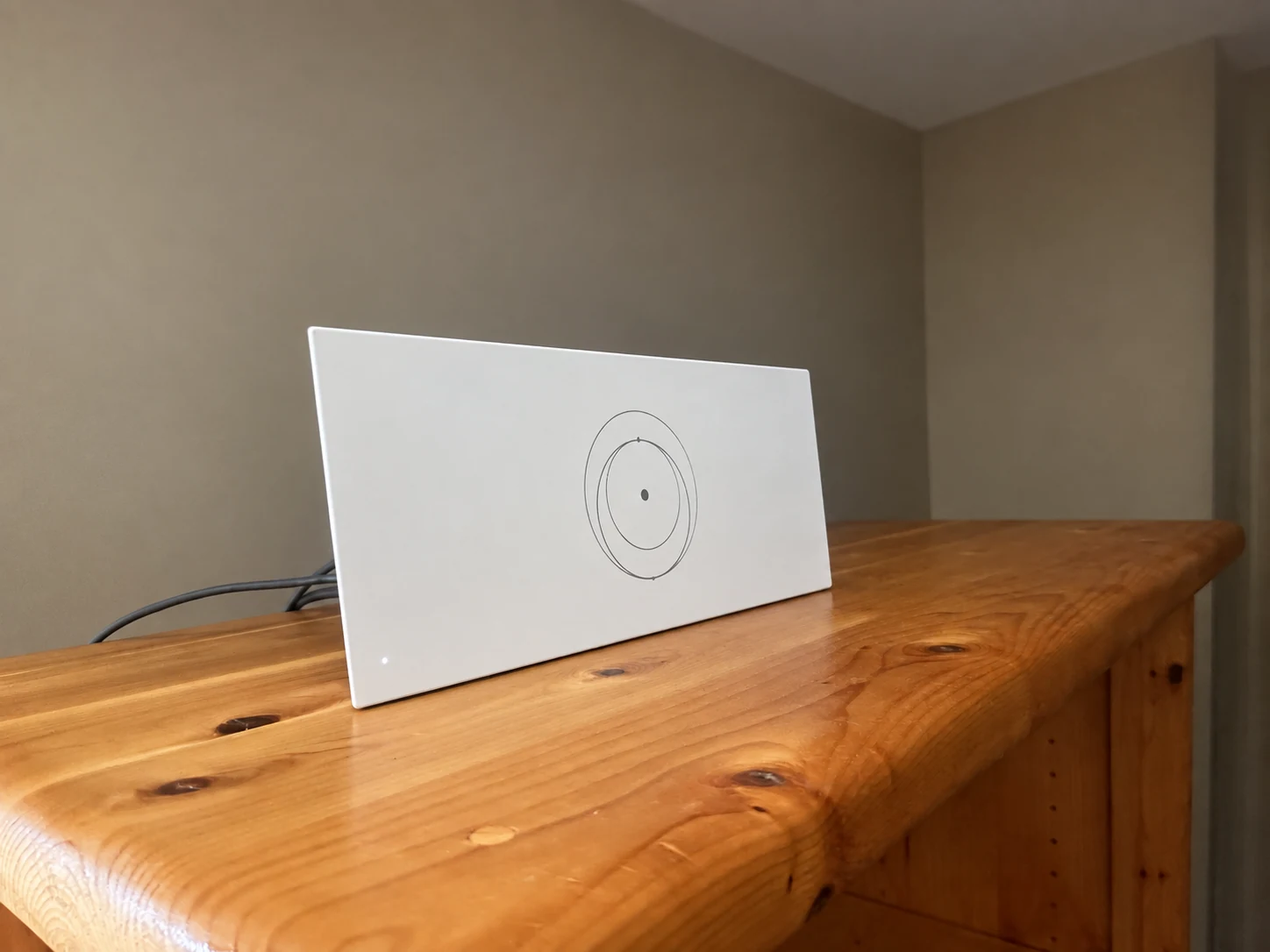
The router sits on a cabinet in the living space. Use room-by-room testing to decide whether this location provides the coverage your household needs.
Installation and photo: Mann's Starlink Contracting · Retouched for presentation · View original field photo ↗Choosing between Starlink and third-party mesh
Starlink mesh is often attractive for customers who value the simplest supported setup and do not need advanced controls. A third-party system may be better for customers who want particular security, management, wired-network, or Wi-Fi features and are comfortable with a more involved configuration.
Neither choice fixes an obstructed Starlink dish or increases the internet capacity arriving at the property. Mesh improves how the existing connection is distributed inside the building. The right system is the one that matches the layout, devices, management needs, and level of technical support the customer expects.
Get a personal installation estimate.
Send your location and project details. Caleb will discuss your equipment and mounting needs, then confirm your complete quote before scheduling.
Questions first? Call Caleb directly at 270-940-4866.
Written byCaleb MannOwner and installer at Mann's Starlink Contracting. Caleb works directly with customers from project planning through final system setup.
