
Every property and Starlink project is different. This guide explains the practical factors considered during professional installation and helps you prepare informed questions before work begins.
Separate the internet link from the local Wi-Fi link
Internet speed and Wi-Fi coverage are different links in the same experience. Starlink can deliver a healthy connection to the router while a phone in a distant room receives a weak local signal.
A speed test on a phone measures the entire path: phone to router, router to dish, dish through the Starlink network, and the test server. A weak result cannot identify the cause by itself. Testing the local and internet portions separately prevents replacing equipment that is not responsible.
Tests that reveal where performance is being lost
Compare tests near the router and in the problem area. Use the Starlink app's advanced test when available to separate router-to-internet performance from device-to-router performance, and note walls, floors, and interference.
Run the advanced test near the primary router, then repeat ordinary tests in the problem room. Note time of day, device type, signal strength, and whether other devices are uploading or streaming. A wired Ethernet test, when available, removes Wi-Fi from the comparison and provides a useful baseline.
Need help with this on your Starlink system?
Mann's Starlink Contracting provides owner-installed service throughout Kentucky and an 11-state region.
Signs of a Starlink-side problem
If internet-side results are healthy, improve router placement, add a properly positioned mesh node, or use wired Ethernet. If both sides are poor, inspect outages, obstructions, cable condition, weather, plan demand, and equipment status.
Router-to-internet performance falling on every device, repeated obstruction events, network outages, cable alerts, or large latency spikes point beyond room coverage. Weather and regional congestion can be temporary; persistent patterns warrant reviewing dish placement, cable condition, plan, and Starlink diagnostics.
Signs of a Wi-Fi coverage problem
Do not buy a faster plan or newer dish before identifying which link is failing. Likewise, placing mesh nodes inside an existing dead zone simply repeats a weak connection.
Healthy router-to-internet results combined with poor performance only in distant rooms indicate Wi-Fi. Devices may disconnect near masonry, metal appliances, or another floor and recover when moved closer. Different devices can also have different antennas, so compare more than one before concluding the whole room is unusable.
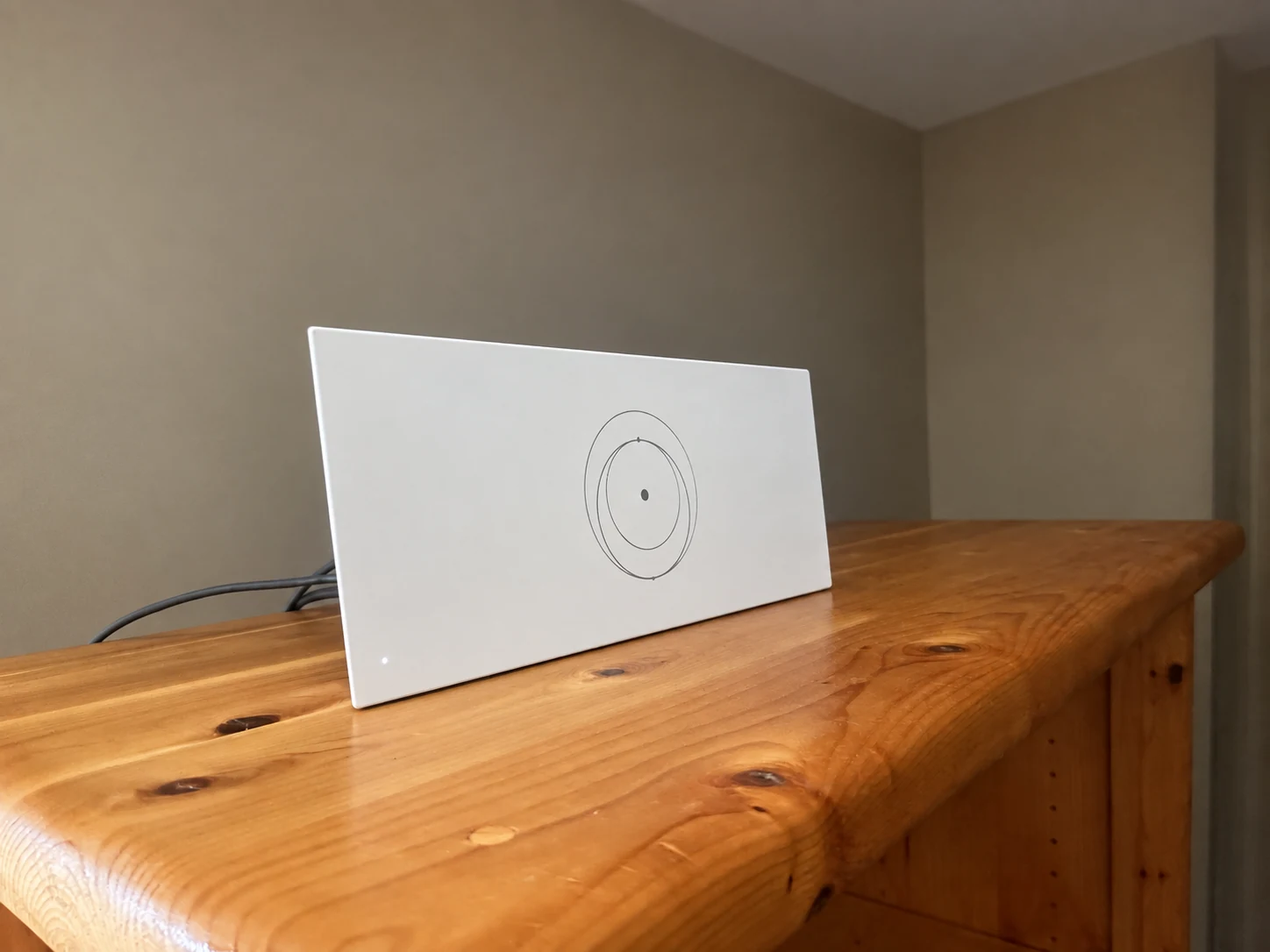
The router sits on a cabinet in the living space. Use room-by-room testing to decide whether this location provides the coverage your household needs.
Installation and photo: Mann's Starlink Contracting · Retouched for presentation · View original field photo ↗Choose the solution that matches the failing link
Test methodically from the router outward and at comparable times. The pattern of results usually reveals whether the solution belongs outdoors, at the primary router, or within the home's Wi-Fi layout.
For Starlink-side issues, address obstructions, service, cable, or equipment. For Wi-Fi issues, improve router placement, add a mesh node in a strong intermediate location, install wired access points, or connect fixed devices by Ethernet. Buying a higher-speed plan will not strengthen a weak signal inside the home.
Get a personal installation estimate.
Send your location and project details. Caleb will discuss your equipment and mounting needs, then confirm your complete quote before scheduling.
Questions first? Call Caleb directly at 270-940-4866.
Written byCaleb MannOwner and installer at Mann's Starlink Contracting. Caleb works directly with customers from project planning through final system setup.
