Starlink Installation in Waterloo, Alabama: Connecting a Lakeside Home and Surveillance System
A roof-edge dish mount, indoor cable routing, and a connection to the customer’s existing surveillance system: a completed Waterloo installation by Mann’s Starlink Contracting.
At a glance
Key takeaways
- Completed customer installation in Waterloo, Alabama
- Starlink dish mounted at the edge of a metal roof
- Indoor cable covers leading toward the equipment area
- Existing surveillance system connected to Starlink
A completed installation in Waterloo
Mann’s Starlink Contracting completed this customer installation in Waterloo, Alabama, on September 11, 2026. The work included mounting the Starlink dish, routing the cable indoors, setting up the router, and connecting the customer’s existing surveillance system to Starlink.
The property: a wooded lakeside home
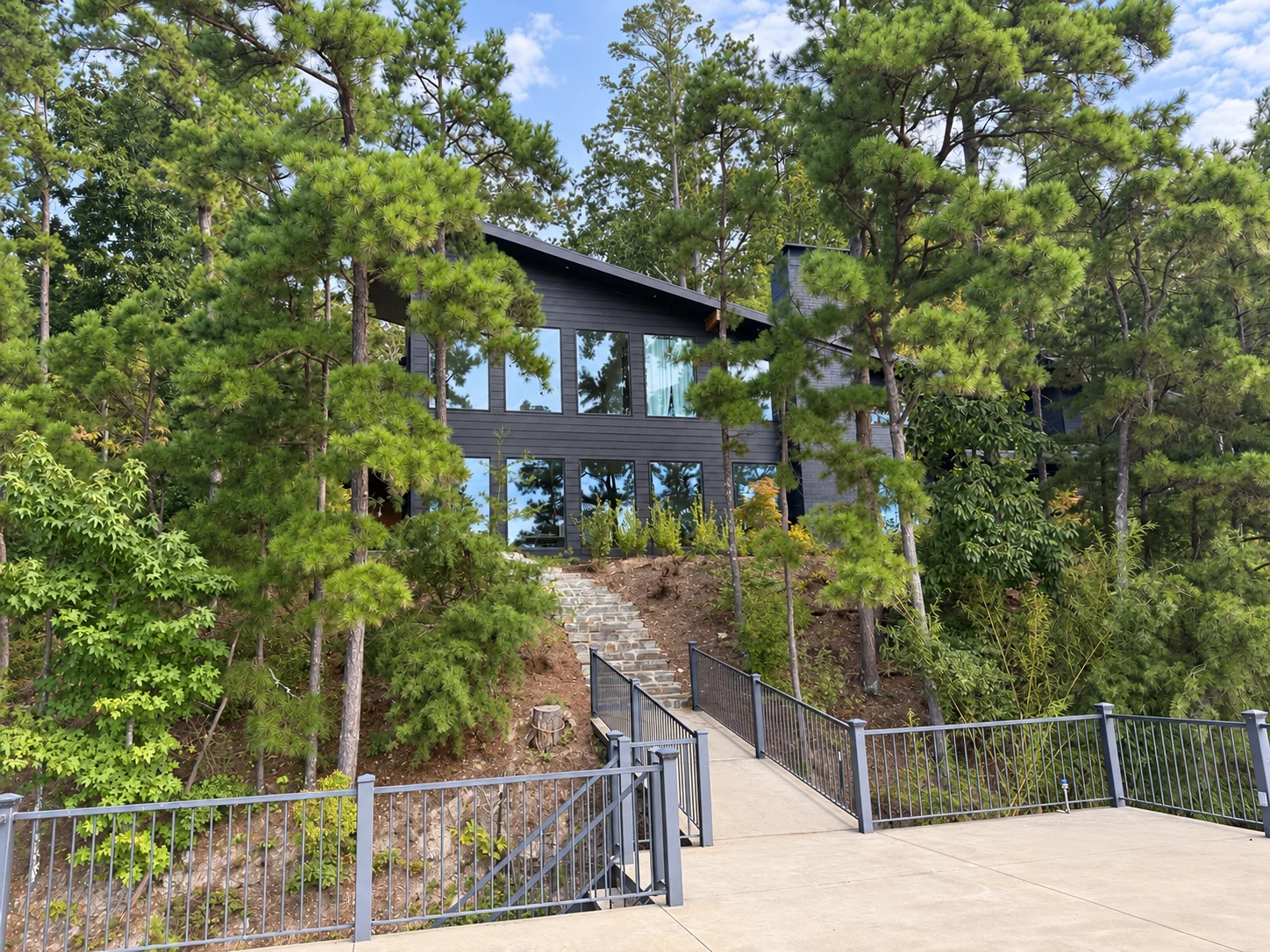
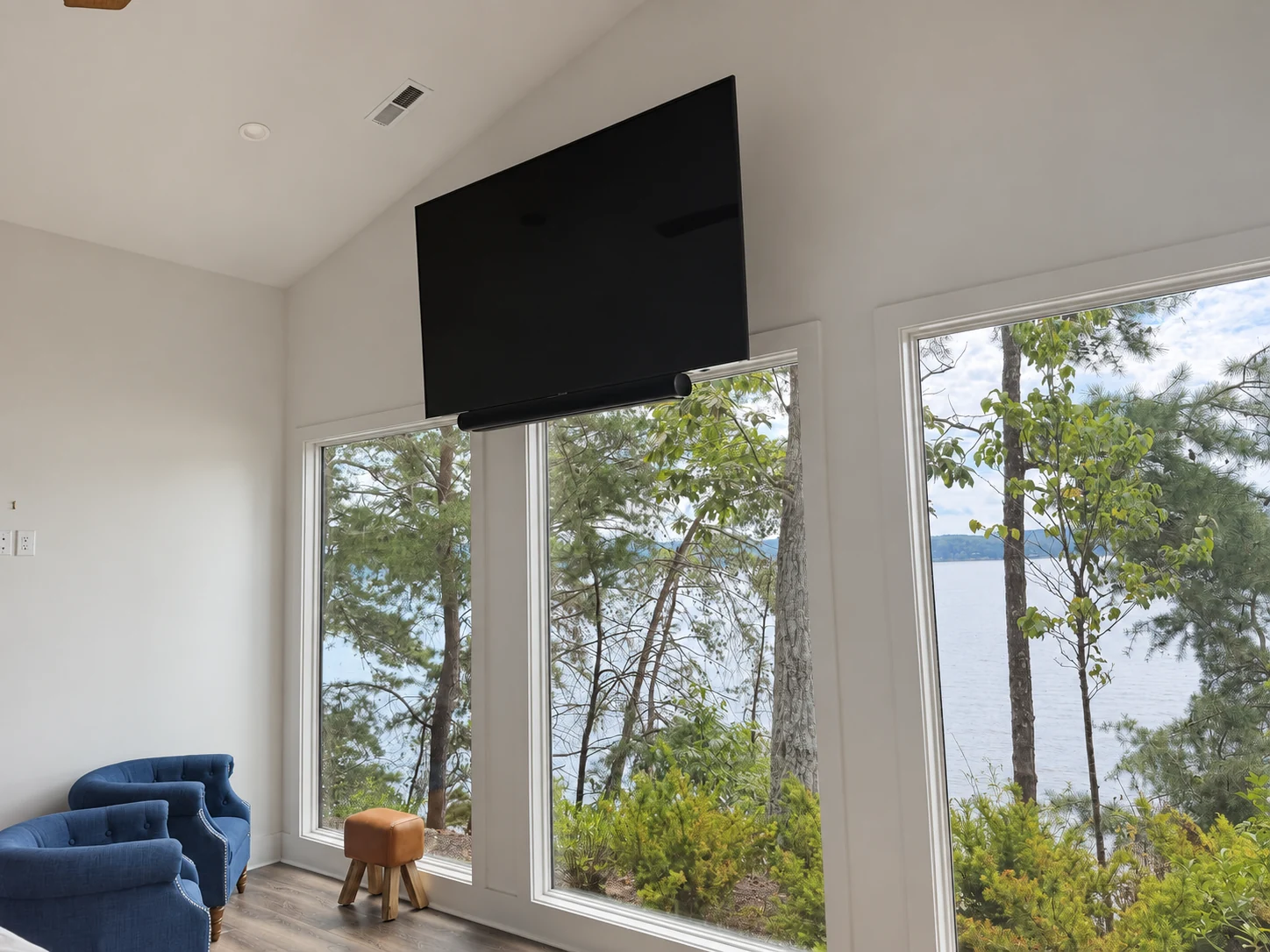
The home sits among mature trees beside the water. The exterior photo shows the sloping ground, metal roof, and surrounding tree cover, while the interior view shows the lake-facing windows. Those features provide the setting for this installation: equipment outside the home, a cable route indoors, and a connection where the customer’s network equipment is located.
Mounting the dish at the roof edge
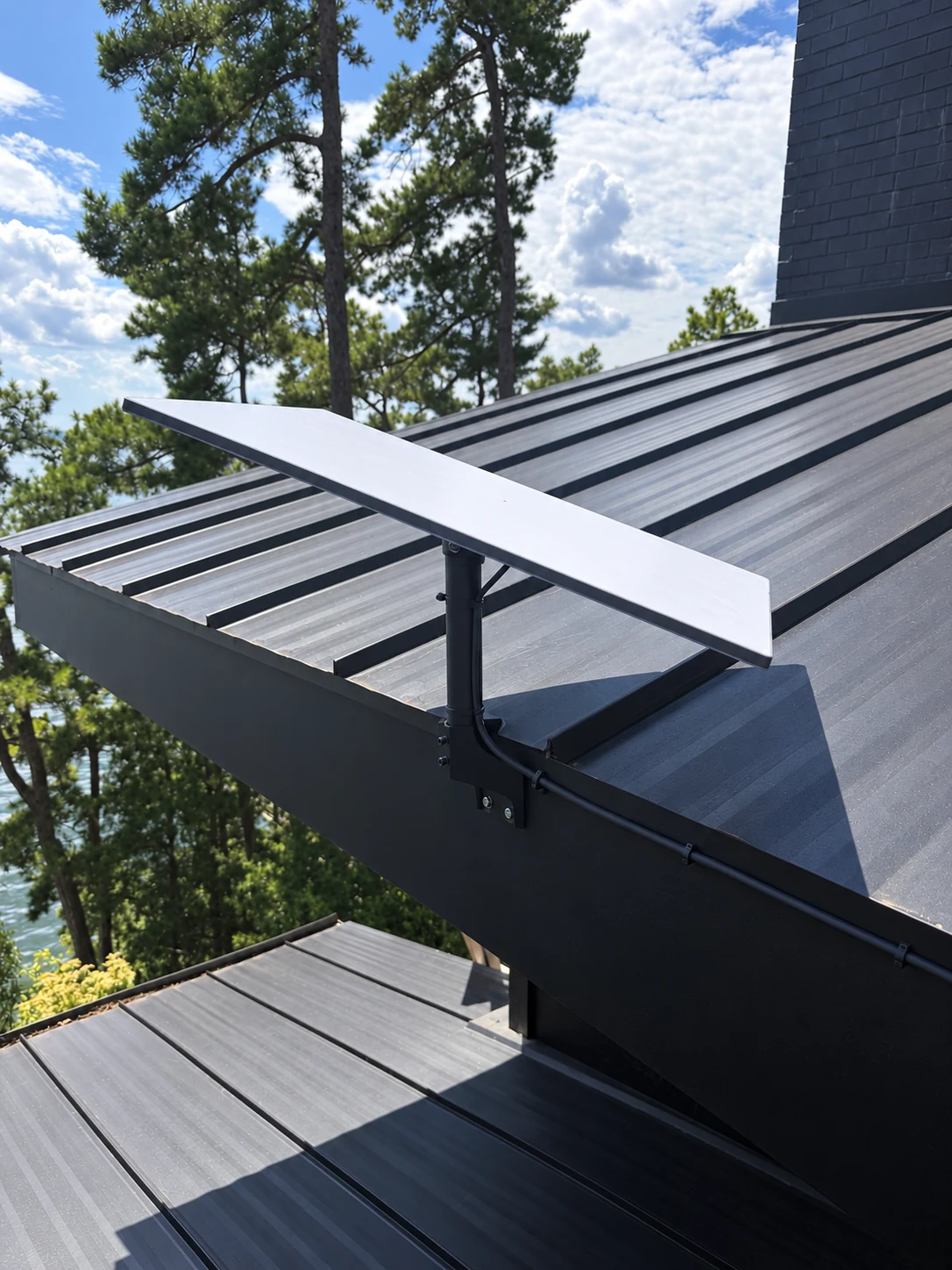
The Starlink dish was mounted at the edge of the home’s dark metal roof. The close-up shows the dish, upright support, mounting hardware, and the cable leaving the mount toward the building.
A permanent installation needs a plan for both the dish and the route back inside. On a wooded property, the surrounding trees and roofline are part of that planning, alongside access to the mounting point and the location of the indoor equipment.
Bringing the cable indoors
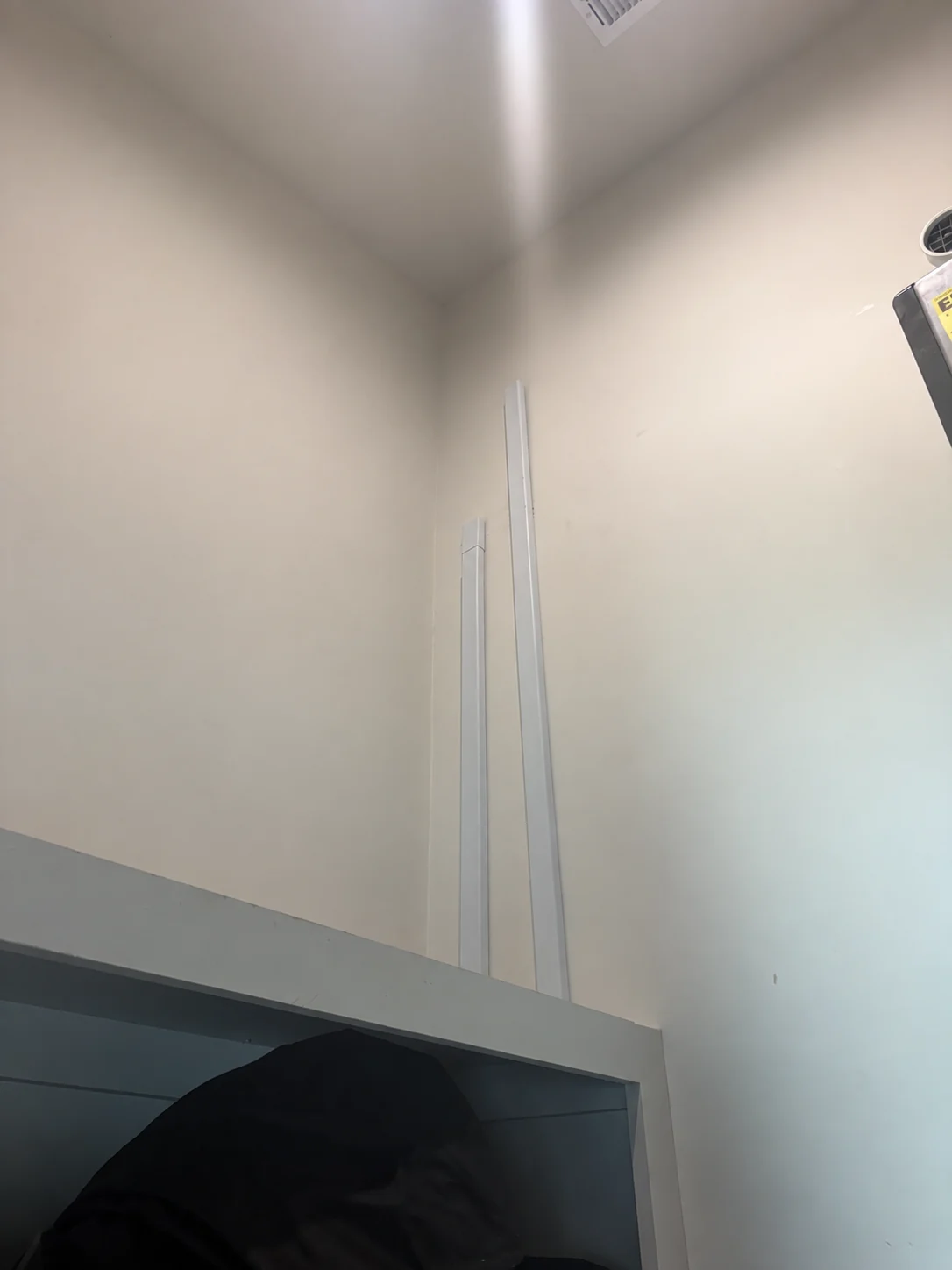
Inside the home, white wall-mounted cable covers follow the wall toward the equipment shelving. This keeps the visible cable route together and provides a defined path to the router and surveillance area.
Connecting the existing surveillance system
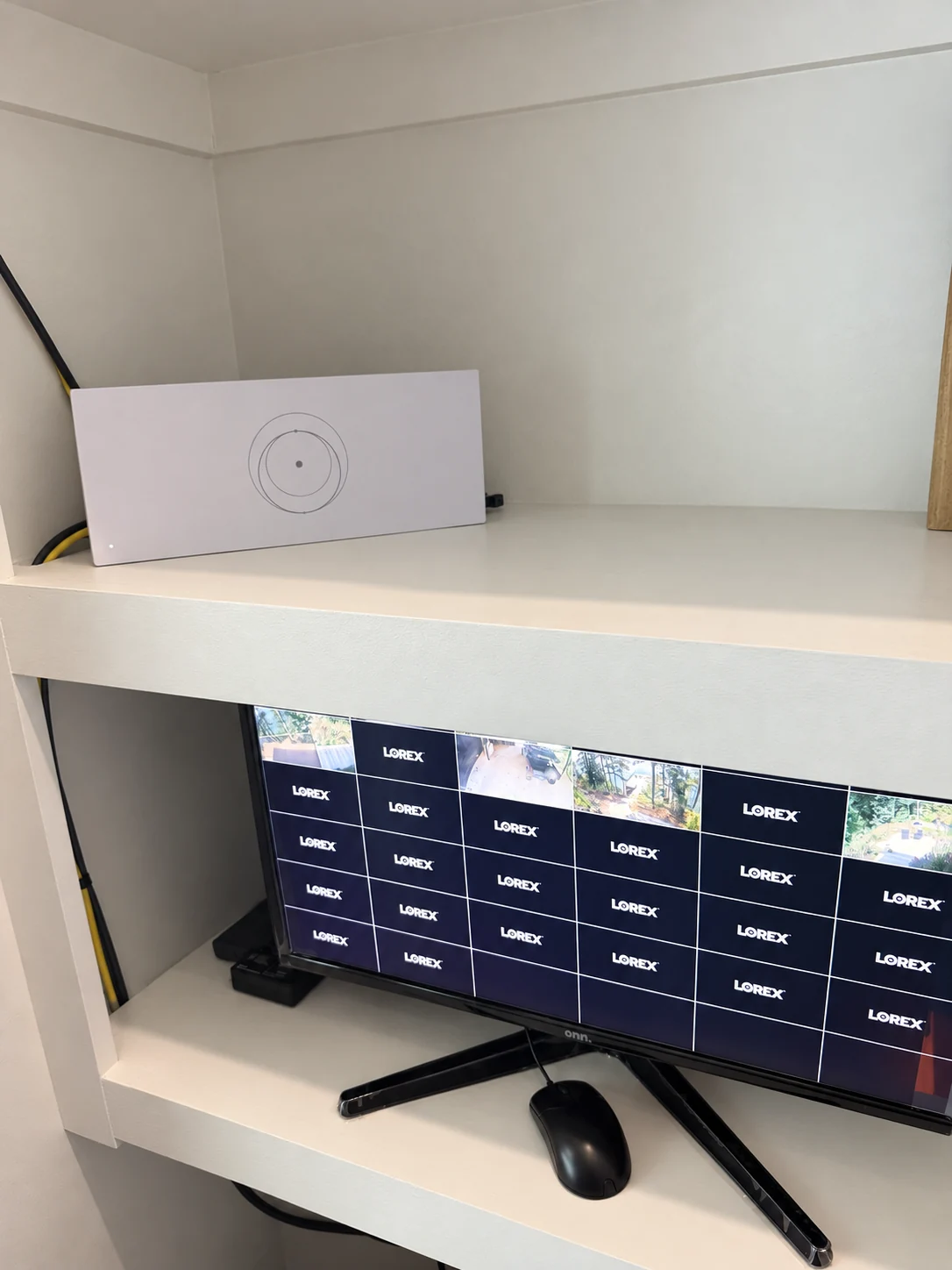
The customer already had a surveillance system. As part of this installation, we connected that system to Starlink. The equipment photo shows the Starlink router on the upper shelf and the Lorex camera monitor below it.
This part of the job brought the new internet connection to equipment the customer was already using. The scope was a Starlink installation and surveillance-system connection; the existing camera system remained part of the customer’s setup.
The completed Waterloo project
The finished setup brings together the exterior Starlink mount, indoor cable route, router, and connection to the existing surveillance system. These five photos follow the project from the property and roofline to the equipment inside.
Planning a Starlink installation near Waterloo?
Send Caleb your installation address, Starlink kit model, and photos of the property. If you also need cameras or other existing network equipment connected, include those details so they can be considered in your personal quote.
Turn this information into a clean, professionally planned installation.
Caleb can help evaluate placement, mounting, cable routing, and Wi-Fi coverage for your property.